The listing that stands out: how to win the clicks
Your listing competes with hundreds of others in the same feed. How to optimise photos, order and first impression on a property portal — and what actually makes buyers click.
Läs den här artikeln på svenska →
On a property portal, buyers scroll through a feed where each home gets one photo and two lines. If you don't win the click there, the rest of the listing doesn't matter. Here's what decides it — and how to optimise what you can influence.
The lead photo is 80% of the job
The lead photo should show the home's best room, furnished and in its best light — usually the living room or a kitchen with space. An empty or cluttered room as the lead photo is an own goal: it's the home's face in the feed.
The photo order tells a story
- 1. The best room (the click)
- 2–3. Kitchen and living room (everyday life)
- 4–5. Bedrooms (the calm)
- 6+. Bathroom, details, balcony, floor plan
- Last: façade and area — never first, they don't win the click
Furnished beats empty — every time
Empty rooms get fewer clicks and shorter viewing time in the listing. Is the home sold empty? Furnish the photos digitally and label them as digitally staged — buyers get both the feeling and the truth.
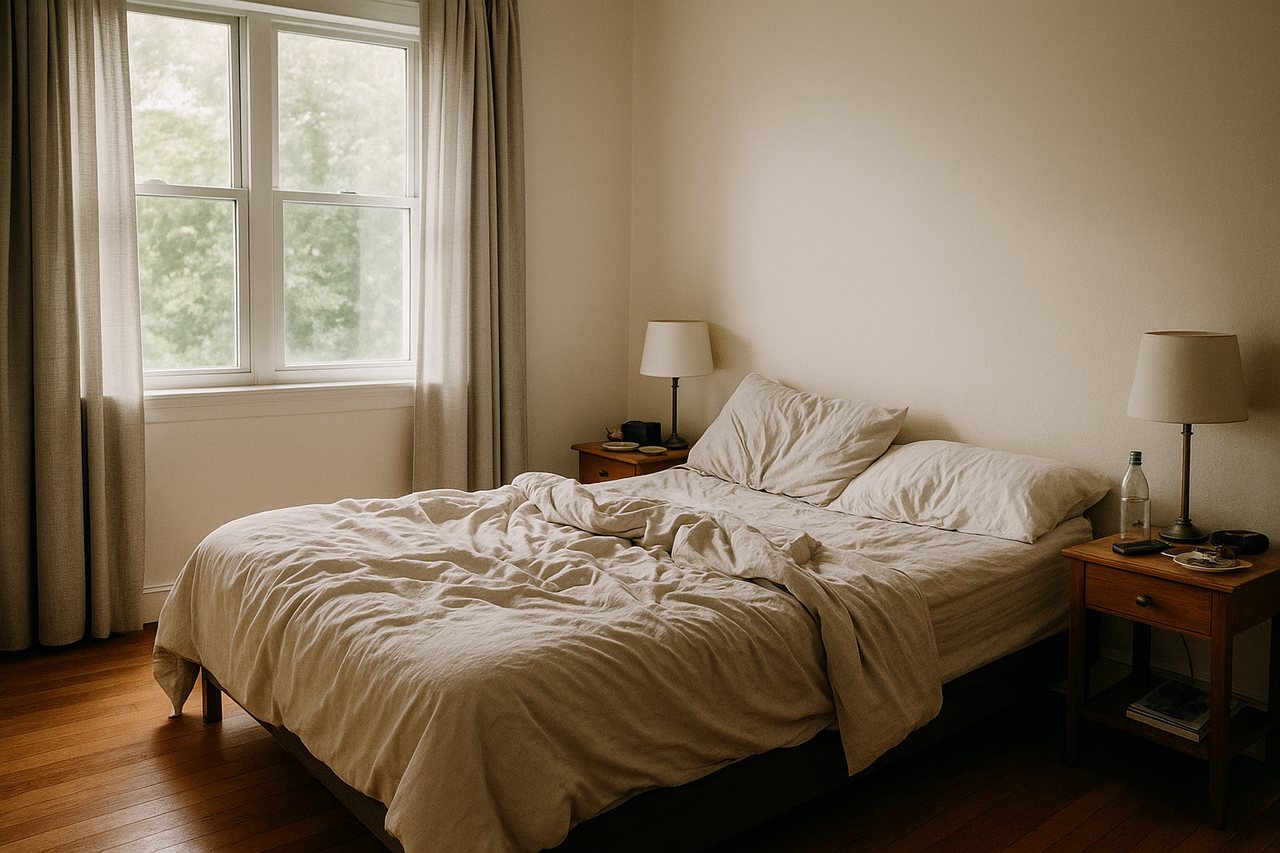 Before
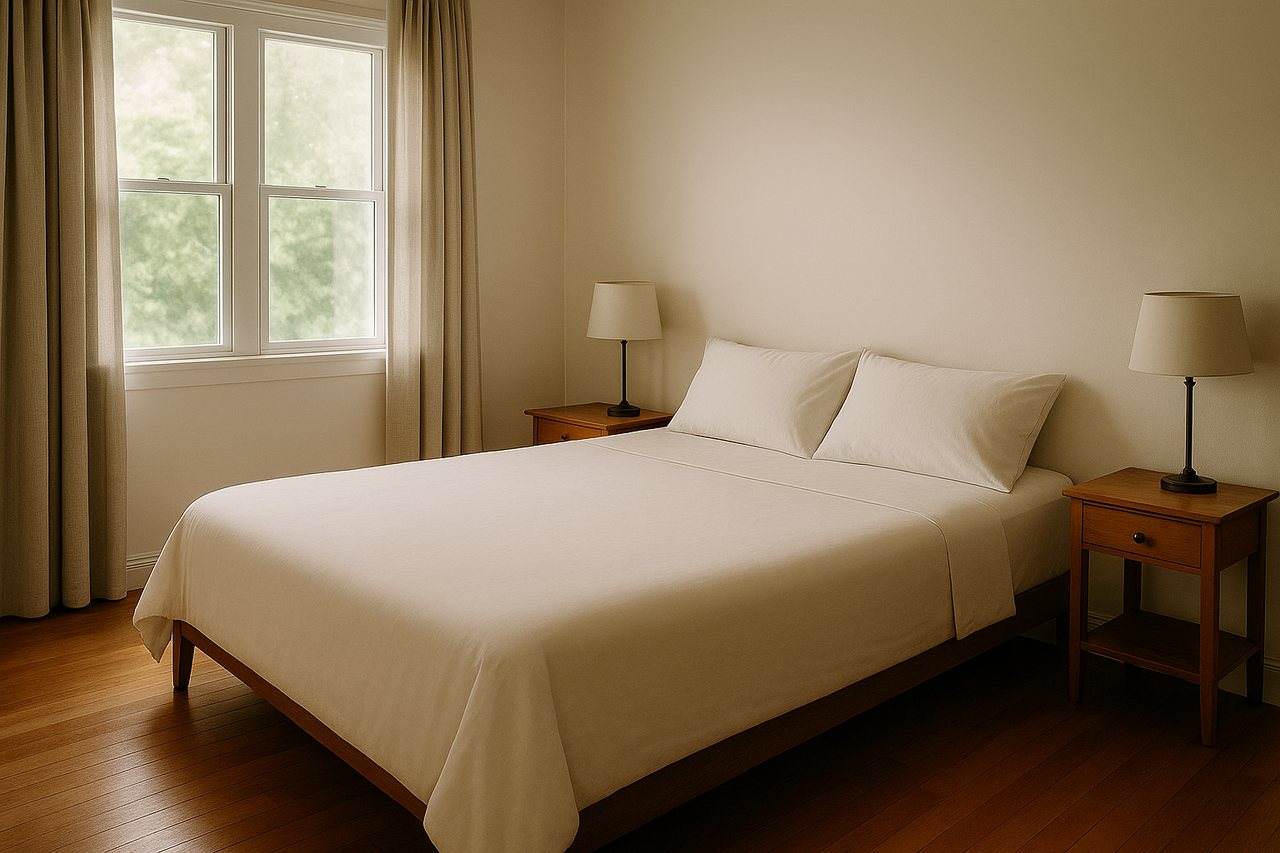 After
AfterTest a new lead photo if the listing stalls
Slow interest after a week? Before dropping the price: change the lead photo. A new style on the same room can give the listing a second life in the feed — and digitally the experiment costs a few cents instead of a reshoot.
Sharpen your listing today
Stage your first 3 listing photos free — done in minutes, no card needed.
Create free account