Home staging before a sale: how to do it
Selling your home? How to use virtual staging to show the potential and attract more buyers — even as a private seller.
Läs den här artikeln på svenska →
The photos are the first thing a buyer sees. An empty or cluttered room makes it hard to imagine a home — and fewer people click through. With virtual staging you show the property's potential right in the listing, whether you sell through an agent or privately.
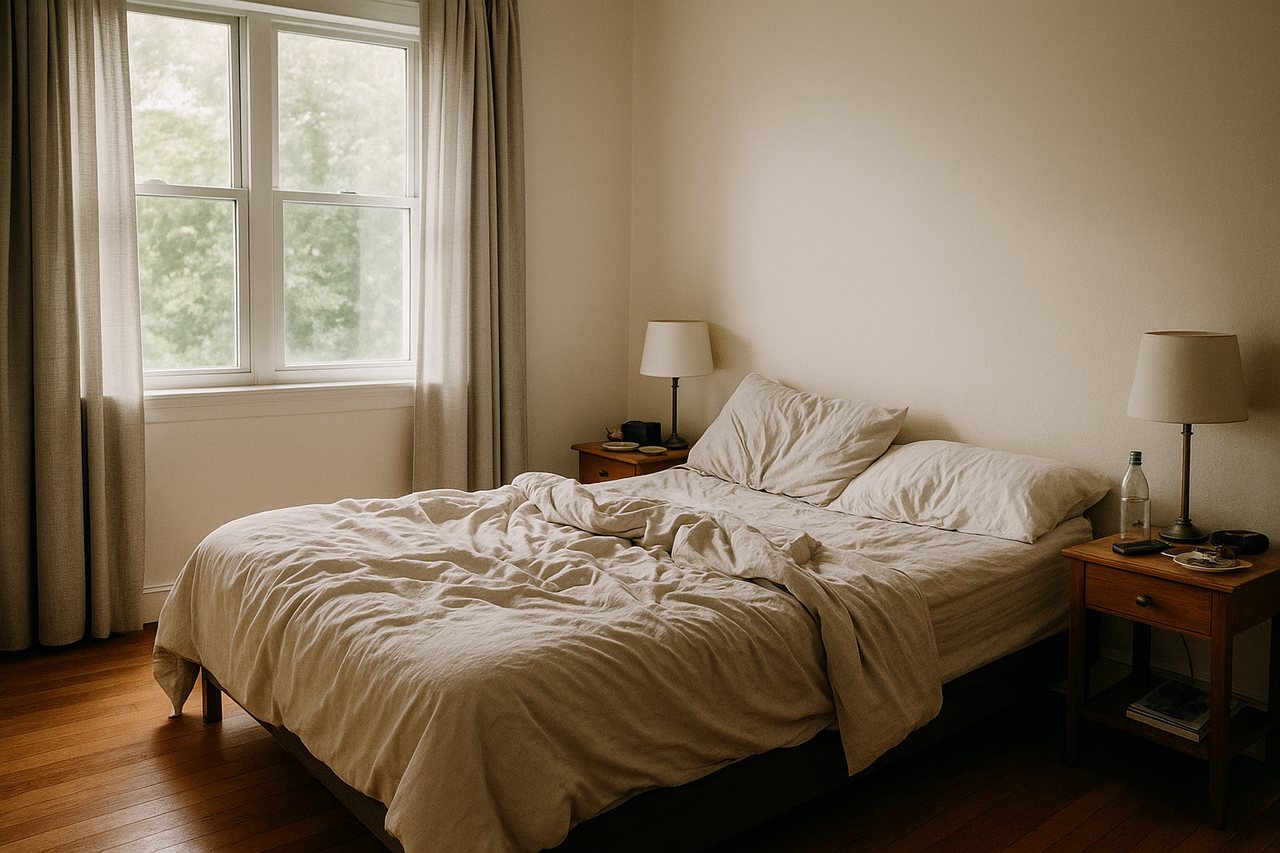 Before
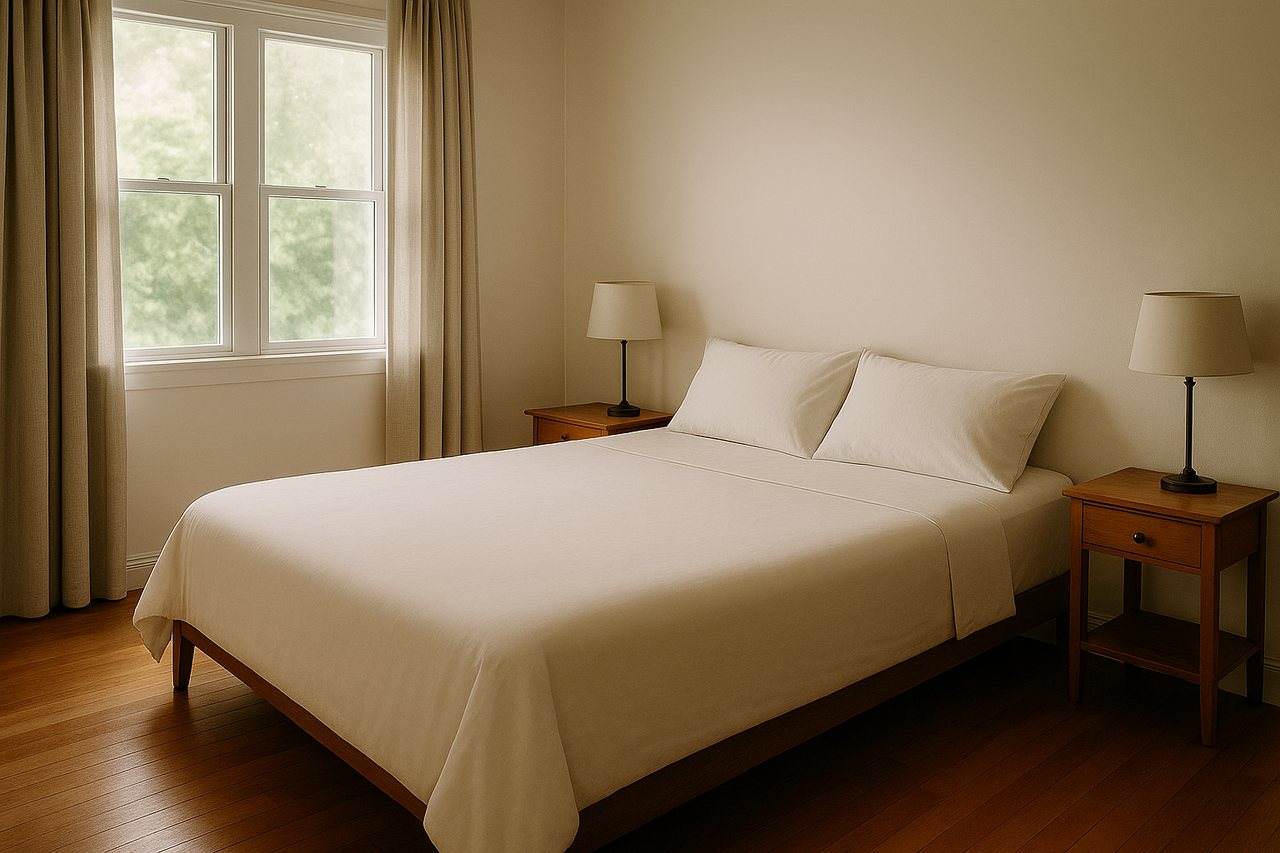 After
AfterWhy the photos decide
Most home-seekers start online. Furnished, inviting photos get more people to stop, click and book a viewing. An empty room says little; a furnished room tells a story the buyer wants to be part of.
What you can do digitally
- Furnish empty rooms so size and function become clear
- Restyle a room that feels dull or dated
- Clear away clutter and make beds neatly
- Test different styles to see what suits the property best
Keep it honest
Show the property at its best — but truthfully. Don't add things that aren't there and don't hide flaws or damage. State that the images are digitally staged. It builds trust and keeps you on the right side of the rules.
What does it cost?
Physical staging before a sale can cost tens of thousands. Virtual staging gives a large share of the effect at a few cents per image — a safe way to lift the listing without a big investment.
Get started in minutes
You need no prior experience. Upload a photo, describe what you want and download the result. Create a free account and stage your first 3 images at no cost.
Stage your listing free
Upload a photo and show the potential in under a minute. 3 free images, no card needed.
Create free account