Decorate with AI: a step-by-step beginner's guide
How to decorate a room with AI — no design software or prior experience. Upload a photo, describe the style and see the result in minutes. A complete beginner's guide.
Läs den här artikeln på svenska →
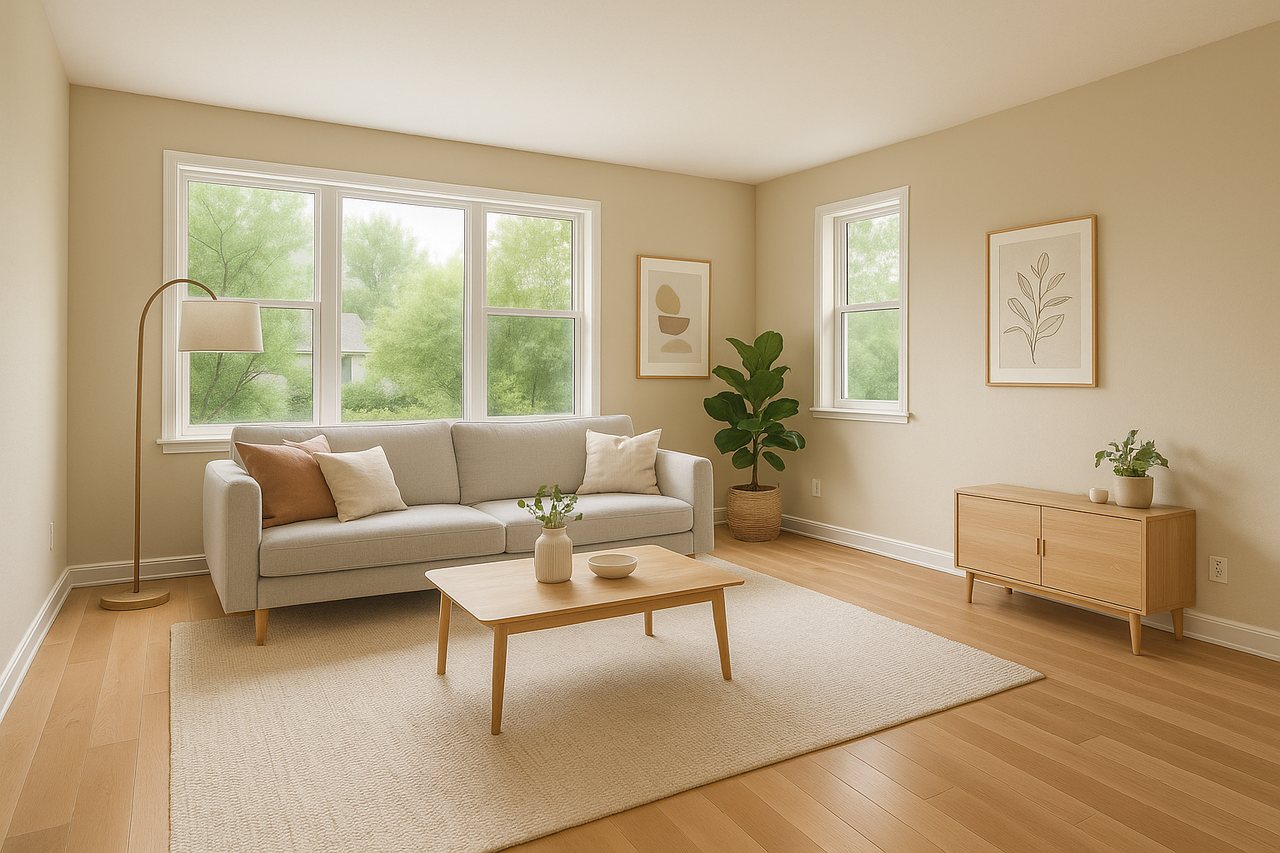
Decorating with AI means you upload a photo of a room and let the computer furnish or restyle it for you — realistically, in about a minute. You need no drawing software, no prior experience and no expensive consultant. In this guide we walk through exactly how AI interior design works and how to get started.
What is AI interior design?
AI interior design (also called AI home staging or virtual styling) means an image model analyses your room — walls, windows, floor and perspective — and adds furniture and décor that suit the room's shape and light. The room's actual structure is kept; only the furnishing and the style change. If you want to go deeper, there's a complete walkthrough in our guide to virtual staging.
Step 1: Upload a photo
Take a photo straight into the room in daylight, or use one you already have. The sharper and brighter the original, the better the result. Both empty and already-furnished rooms work.
Step 2: Describe the style in your own words
Write what you want in plain English, for example "Scandinavian style with light woods, a beige sofa and green plants". You don't need design jargon — the clearer you are, the closer the result lands to your vision.
Step 3: Add a reference photo (optional)
Have a specific sofa, colour or style in mind? Drop in a reference photo and the AI recreates that exact piece or feeling in your room. Perfect for trying a real product before you buy it.
Step 4: Review and download
In about a minute you get a finished image. Don't like it? Adjust the description and run it again. When you're happy, download the result in full quality.
What can you use AI interior design for?
- Restyle the home you already live in and try a new look
- See whether a new piece of furniture fits before you buy it
- Furnish an empty room ahead of a property sale
- Try different interior styles risk-free
Get started free
You need no prior knowledge to decorate with AI. Create a free account, upload a photo and style it — your first 3 images are free and no card is needed.
Decorate your first room free
Upload a photo and see it restyled in under a minute. 3 free images, no card needed.
Create free account