Better Airbnb photos: how your listing wins more bookings
On Airbnb, photos decide your occupancy. How to declutter, stage and lift your listing photos digitally — no photographer, done between two check-ins.
Läs den här artikeln på svenska →
On Airbnb and Booking, guests scroll past hundreds of places — and book with their eyes. A listing with bright, inviting photos can charge more per night than an identical one with dark phone snapshots. The good news: you don't need a photographer to catch up.
The most common problem: everyday clutter
Most hosts photograph between two turnovers — and it shows. An unmade bed, towels drying, chargers in the sockets. Digital decluttering fixes it after the fact: the bed gets made, the surfaces cleared, the room otherwise left exactly as it is.
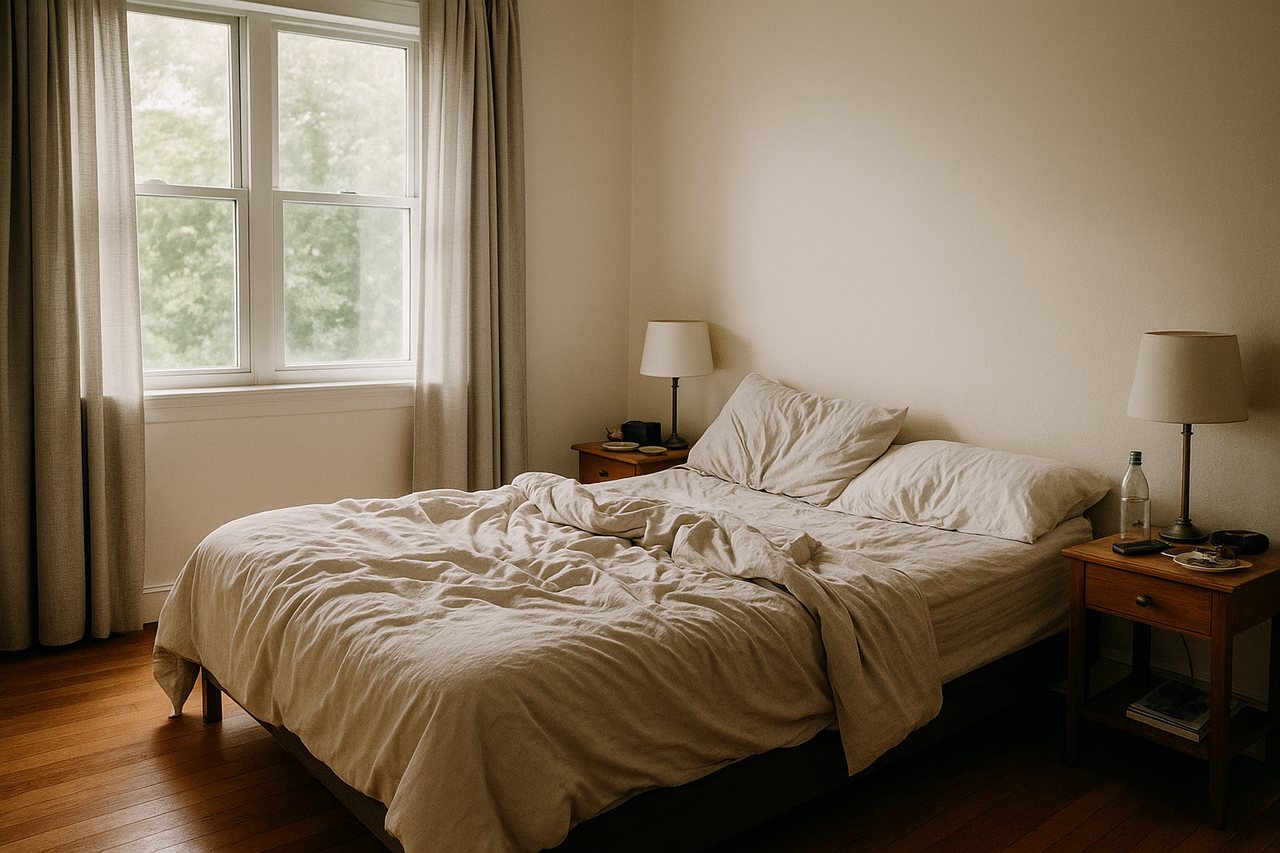 Before
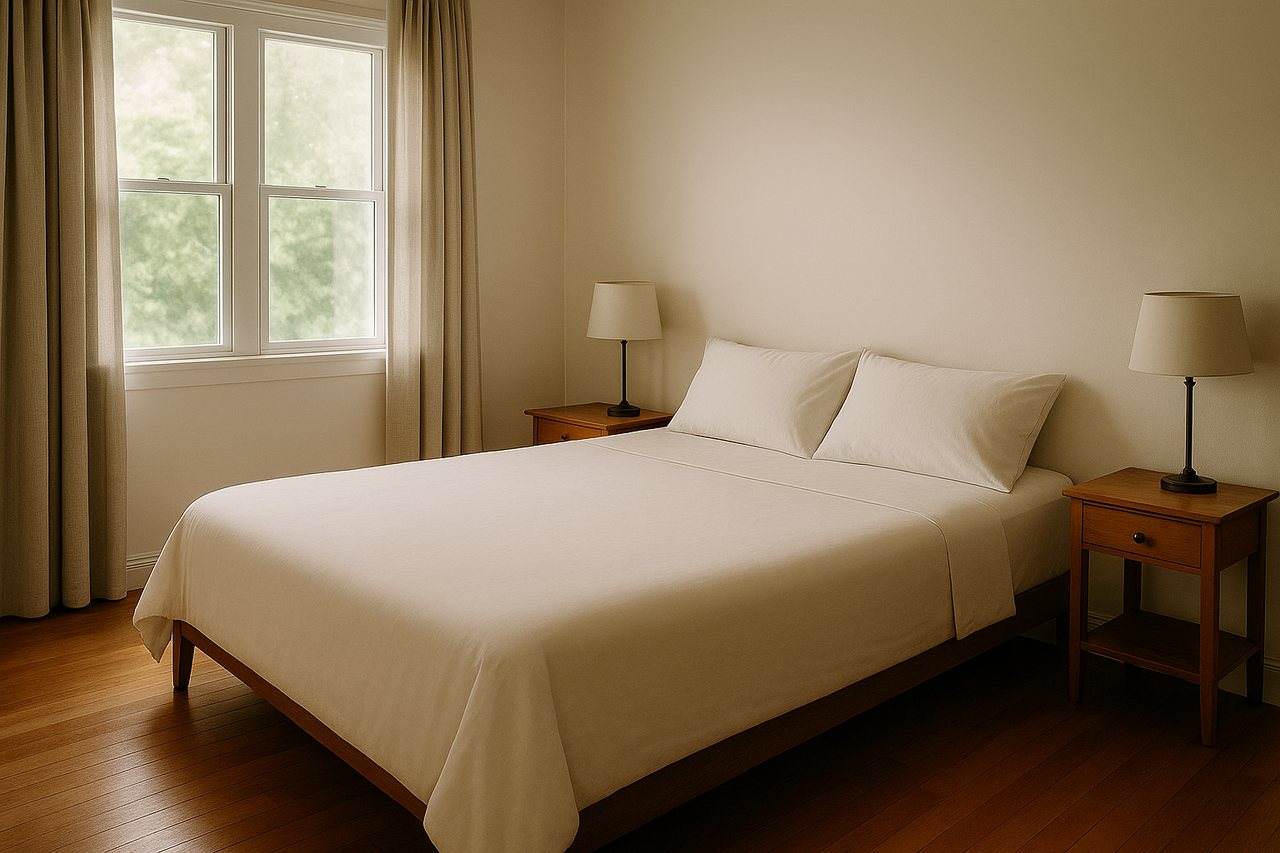 After
AfterFour quick wins for your listing
- Hero photo first: spend your effort on the room guests book for — usually the bedroom or living room
- Make and symmetrise the bed — hotel feeling earns hotel prices
- Remove personal items: the listing should feel like the guest's home, not yours
- Keep photos honest — guests who feel misled write reviews about it
Upgrade without buying anything
Wondering whether a new bedspread, an armchair or another colour scheme would lift the room? Test it digitally first and see the result before spending — and restyle the listing for winter without reshooting.
Lift your Airbnb listing today
Stage your first 3 photos free — done before the next check-in.
Create free account